Automating Infrastructure with AWS CloudFormation
Introduction
Managing cloud infrastructure manually can be error-prone and time-consuming. AWS Cloud Formation simplifies infrastructure management by enabling Infrastructure as Code (IaC), allowing users to define AWS resources in a declarative template.
This blog explores how Cloud Formation automates infrastructure deployment, enforces consistency, and improves operational efficiency.
What is AWS Cloud Formation?
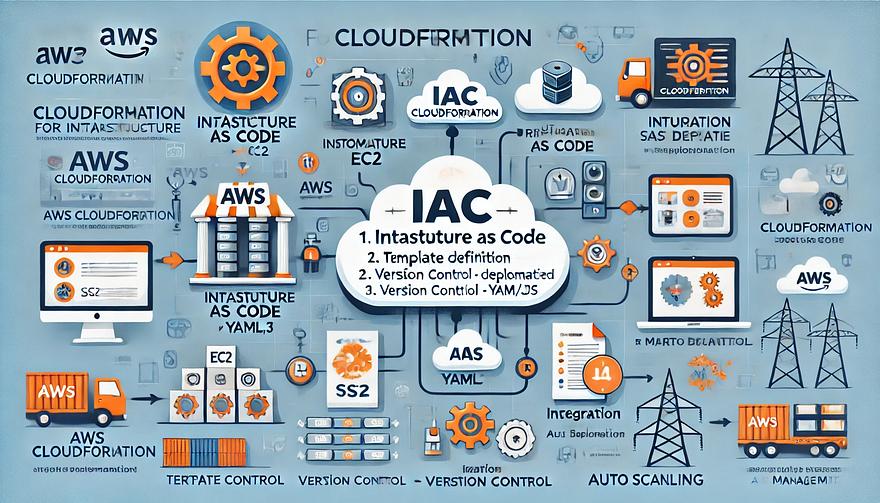
AWS Cloud Formation is an Infrastructure as Code (IaC) service that automates the provisioning and management of AWS resources. Using YAML or JSON templates, Cloud Formation allows you to:
✅ Define infrastructure as code to manage resources consistently.
✅ Automate deployments without manual configurations.
✅ Enable repeatability by creating reusable templates.
✅ Version control infrastructure just like application code.
Key Benefits of AWS Cloud Formation
1. Infrastructure as Code (IaC)
- Define resources declaratively instead of manual setup.
- Store configurations in version control (Git, CodeCommit) for tracking changes.
2. Automated and Consistent Deployments
- Avoid human errors in configurations.
- Deploy infrastructure repeatedly with identical setups.
3. Rollback and Drift Detection
- Rollback on failure ensures safe deployments.
- Drift detection identifies unintended changes in infrastructure.
4. Integration with DevOps Pipelines
- Works seamlessly with AWS CodePipeline, Terraform, and Ansible.
- Supports multi-account, multi-region deployments using AWS Organizations.
How AWS Cloud Formation Works
1. Define a CloudFormation Template
A template specifies AWS resources and configurations. Example YAML template for an EC2 instance:
yamlAWSTemplateFormatVersion: '2010-09-09'
Resources:
MyEC2Instance:
Type: AWS::EC2::Instance
Properties:
InstanceType: t2.micro
ImageId: ami-0abcdef1234567890 # Replace with a valid AMI ID
Tags:
- Key: Name
Value: MyEC2Instance2. Create a Stack
- A stack is a collection of AWS resources created using a CloudFormation template.
- Use the AWS Management Console, CLI, or SDK to deploy the stack.
3. Deploy and Manage Infrastructure
- Update Stacks to modify resources without downtime.
- Delete Stacks to remove resources automatically.
Best Practices for Using AWS Cloud Formation
✅ Use Modular and Reusable Templates
- Break large templates into nested stacks for maintainability.
- Use AWS Cloud Formation StackSets for multi-account deployments.
✅ Enable Change Sets Before Applying Updates
- Change Sets preview modifications before applying them to production.
✅ Implement Parameterization
- Use Parameters and Mappings to make templates dynamic and reusable.
yamlParameters:
InstanceType:
Type: String
Default: t2.micro✅ Use AWS Cloud Formation Helper Scripts
- Automate setup with cfn-init, cfn-signal, and cfn-hup for dynamic configurations.
✅ Enable Stack Policies for Protection
- Prevent accidental updates to critical resources with Stack Policies.
Conclusion
AWS Cloud Formation is a powerful Infrastructure as Code (IaC) tool that simplifies AWS resource management by automating deployments, ensuring consistency, and integrating with DevOps workflows. By defining infrastructure declaratively, teams can scale faster, reduce manual errors, and improve efficiency.
WEBSITE: https://www.ficusoft.in/aws-training-in-chennai/


Comments
Post a Comment