Steps to automate schema changes and data pipeline deployments with GitHub or Azure DevOps.
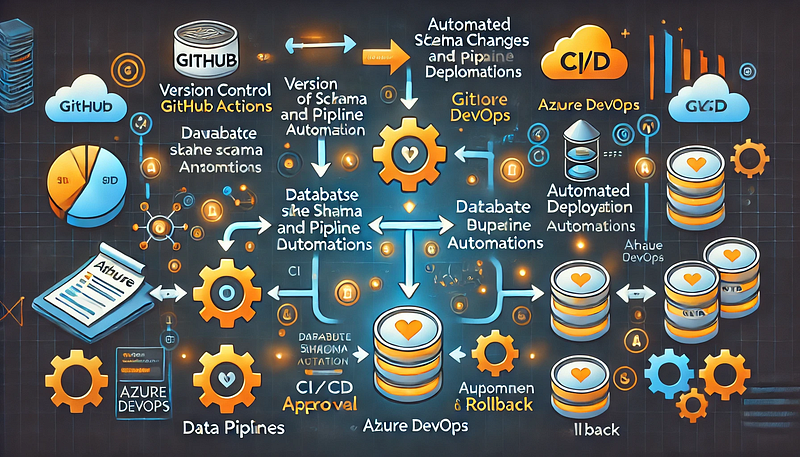
Managing database schema changes and automating data pipeline deployments is critical for ensuring consistency, reducing errors, and improving efficiency. This guide outlines the steps to achieve automation using GitHub Actions or Azure DevOps Pipelines.
Step 1: Version Control Your Schema and Pipeline Code
- Store database schema definitions (SQL scripts, DB migration files) in a Git repository.
- Keep data pipeline configurations (e.g., Terraform, Azure Data Factory JSON files) in version control.
- Use branching strategies (e.g., feature branches, GitFlow) to manage changes safely.
Step 2: Automate Schema Changes (Database CI/CD)
To manage schema changes, you can use Flyway, Liquibase, or Alembic.
For Azure SQL Database or PostgreSQL (Example with Flyway)
- Store migration scripts in a folder:
- pgsql
├── db-migrations/ │ ├── V1__init.sql │ ├── V2__add_column.sql
- Create a GitHub Actions workflow (
.github/workflows/db-migrations.yml):
- yaml
name: Deploy Database Migrations on: [push] jobs: deploy: runs-on: ubuntu-latest steps: - name: Checkout code uses: actions/checkout@v3 - name: Install Flyway run: curl -L https://repo1.maven.org/maven2/org/flywaydb/flyway-commandline/9.0.0/flyway-commandline-9.0.0-linux-x64.tar.gz | tar xvz && mv flyway-*/flyway /usr/local/bin/ - name: Apply migrations run: | flyway -url=jdbc:sqlserver://$DB_SERVER -user=$DB_USER -password=$DB_PASS migrate
- In Azure DevOps, you can achieve the same using a YAML pipeline:
- yaml
trigger: branches: include: - main pool: vmImage: 'ubuntu-latest' steps: - checkout: self - script: | flyway -url=jdbc:sqlserver://$(DB_SERVER) -user=$(DB_USER) -password=$(DB_PASS) migrate
Step 3: Automate Data Pipeline Deployment
For Azure Data Factory (ADF) or Snowflake, deploy pipeline definitions stored in JSON files.
For Azure Data Factory (ADF)
- Export ADF pipeline JSON definitions into a repository.
- Use Azure DevOps Pipelines to deploy changes:
- yaml
trigger: branches: include: - main pool: vmImage: 'ubuntu-latest' steps: - task: AzureResourceManagerTemplateDeployment@3 inputs: deploymentScope: 'Resource Group' azureSubscription: 'AzureConnection' resourceGroupName: 'my-rg' location: 'East US' templateLocation: 'Linked artifact' csmFile: 'adf/pipeline.json'
- For GitHub Actions, you can use the Azure CLI to deploy ADF pipelines:
- yaml
steps: - name: Deploy ADF Pipeline run: | az datafactory pipeline create --factory-name my-adf --resource-group my-rg --name my-pipeline --properties @adf/pipeline.json
Step 4: Implement Approval and Rollback Mechanisms
- Use GitHub Actions Environments or Azure DevOps approvals to control releases.
- Store backups of previous schema versions to roll back changes.
- Use feature flags to enable/disable new pipeline features without disrupting production.
Conclusion
By using GitHub Actions or Azure DevOps, you can automate schema changes and data pipeline deployments efficiently, ensuring faster, safer, and more consistent deployments.
WEBSITE: https://www.ficusoft.in/snowflake-training-in-chennai/


Comments
Post a Comment