Understanding AWS Pricing: Tips to Save Money
Introduction
Amazon Web Services (AWS) provides a powerful cloud platform with flexible pricing, allowing businesses to pay only for what they use. However, without proper planning, AWS costs can quickly escalate. This guide will help you understand AWS pricing models and provide actionable strategies to optimize costs and save money.
1. AWS Pricing Models Explained
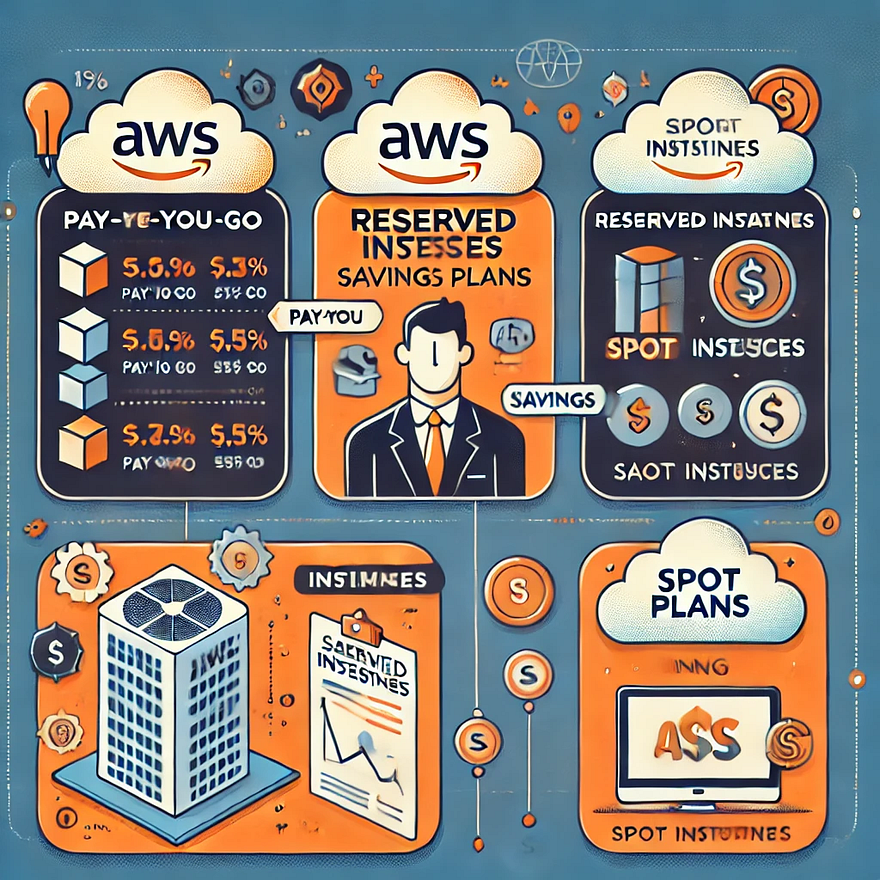
AWS offers multiple pricing models to cater to different workloads. Understanding these models can help you choose the most cost-effective option for your use case.
a) Pay-as-You-Go
- Charged based on actual usage with no upfront commitments.
- Ideal for startups and unpredictable workloads.
- Example: Running an EC2 instance for a few hours and paying only for that time.
b) Reserved Instances (RIs)
- Offers significant discounts (up to 72%) compared to on-demand pricing in exchange for a long-term commitment (1 or 3 years).
- Best for applications with predictable, steady-state workloads.
- Example: A database server that runs 24/7 would benefit from a Reserved Instance to reduce costs.
c) Savings Plans
- Flexible alternative to Reserved Instances that provides savings based on a committed spend per hour.
- Covers services like EC2, Fargate, and Lambda.
- Example: Committing to $100 per hour on EC2 usage across any instance type rather than reserving a specific instance.
d) Spot Instances
- Allows you to purchase unused EC2 capacity at steep discounts (up to 90%).
- Ideal for batch processing, CI/CD pipelines, and machine learning workloads.
- Example: Running a nightly data processing job using Spot Instances to save costs.
e) Free Tier & Budgeting Tools
- AWS Free Tier offers limited services for free, ideal for small-scale experiments.
- AWS Budgets & Cost Explorer help track and analyze cloud expenses.
- Example: AWS Lambda includes 1 million free requests per month, reducing costs for event-driven applications.
2. Key Cost-Saving Strategies
Effectively managing AWS resources can lead to substantial cost reductions. Below are some best practices for optimizing your AWS expenses.
a) Right-Sizing Resources
- Many businesses overprovision EC2 instances, leading to unnecessary costs.
- Use AWS Compute Optimizer to identify underutilized instances and adjust them.
- Example: Switching from an m5.large instance to an m5.medium if CPU utilization is consistently below 30%.
b) Auto Scaling & Load Balancing
- Automatically scales resources based on traffic demand.
- Combine with Elastic Load Balancing (ELB) to distribute traffic efficiently.
- Example: An e-commerce website that experiences traffic spikes during sales events can use Auto Scaling to avoid overpaying for unused capacity during off-peak times.
c) Storage Cost Optimization
- AWS storage costs can be reduced by choosing the right storage class.
- Move infrequently accessed data to S3 Intelligent-Tiering or S3 Glacier.
- Example: Archive old log files using S3 Glacier, which is much cheaper than keeping them in standard S3 storage.
d) Optimize Data Transfer Costs
- Inter-region and cross-AZ data transfers can be costly.
- Use AWS PrivateLink, Direct Connect, and edge locations to reduce transfer costs.
- Example: Keeping all resources within a single AWS region minimizes inter-region transfer fees.
e) Serverless & Managed Services
- AWS Lambda, DynamoDB, and Fargate reduce infrastructure management costs.
- Example: Instead of running an EC2 instance for a cron job, use AWS Lambda, which runs only when needed, reducing idle costs.
f) Leverage Savings Plans & Reserved Instances
- Choose Savings Plans for predictable workloads to reduce compute costs.
- Reserve database instances (RDS, ElastiCache) for additional savings.
- Example: Committing to a Savings Plan for consistent EC2 usage can reduce expenses significantly compared to on-demand pricing.
g) Monitor and Control Costs
- Enable AWS Cost Anomaly Detection to identify unexpected charges.
- Use AWS Budgets to set spending limits and receive alerts.
- Example: Setting a budget limit of $500 per month and receiving alerts when 80% of the budget is reached.
3. AWS Cost Management Tools
AWS provides several tools to help you monitor and optimize costs. Familiarizing yourself with these tools can prevent overspending.
a) AWS Cost Explorer
- Helps visualize and analyze cost and usage trends.
- Example: Identify which services are driving the highest costs and optimize them.
b) AWS Budgets
- Allows users to set custom spending limits and receive notifications.
- Example: Setting a monthly budget for EC2 instances and receiving alerts when nearing the limit.
c) AWS Trusted Advisor
- Provides real-time recommendations on cost savings, security, and performance.
- Example: Recommends deleting unused Elastic IPs to avoid unnecessary charges.
d) AWS Compute Optimizer
- Suggests right-sizing recommendations for EC2 instances.
- Example: If an instance is underutilized, Compute Optimizer recommends switching to a smaller instance type.
Conclusion
AWS pricing is complex, but cost optimization strategies can help businesses save money. By understanding different pricing models, leveraging AWS cost management tools, and optimizing resource usage, companies can efficiently manage their AWS expenses.
Regularly reviewing AWS billing and usage reports ensures that organizations stay within budget and avoid unexpected charges.


Comments
Post a Comment