A Guide to AWS Regions and Availability Zones: Choosing the Right One for Your Workloads
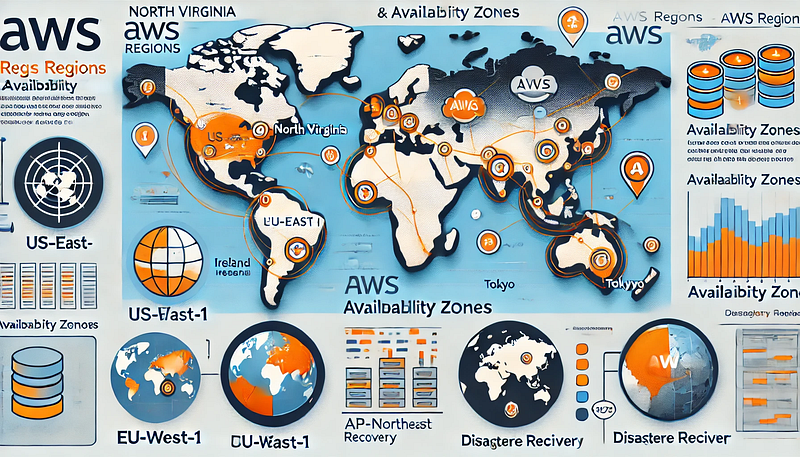
Amazon Web Services (AWS) provides a global cloud infrastructure divided into Regions and Availability Zones (AZs) to ensure scalability, reliability, and compliance. Choosing the right AWS Region and Availability Zone is crucial for optimizing performance, cost, and compliance for your workloads.
Understanding AWS Regions and Availability Zones
AWS Regions
An AWS Region is a geographically isolated location where AWS offers cloud services. Each region consists of multiple Availability Zones and is designed to provide low-latency access and data residency compliance. AWS currently has over 30 regions worldwide, each labeled with a standardized format like us-east-1 (North Virginia) or eu-west-1 (Ireland).
Availability Zones (AZs)
An Availability Zone is a physically separate data center within a region. Each region has at least two AZs, and some have up to six AZs. They are connected via low-latency networking but have independent power, cooling, and networking to ensure high availability and fault tolerance.
Factors to Consider When Choosing an AWS Region
1. Latency and Performance
- Choose a region closest to your end users to reduce network latency.
- Use AWS’s Global Infrastructure tool to check latency from different locations.
2. Compliance and Data Residency
- Certain regions comply with local regulations (e.g., AWS GovCloud for the U.S. government, EU regions for GDPR compliance).
- If your business handles sensitive data, ensure your chosen region meets legal requirements.
3. Service Availability
- Some AWS services are not available in all regions.
- Check AWS’s Regional Services List to confirm the availability of services you need.
4. Cost Considerations
- AWS pricing varies across regions due to operational costs and demand.
- Use the AWS Pricing Calculator to compare costs before selecting a region.
5. Disaster Recovery and High Availability
- Utilize multi-region deployments for business continuity.
- Use multi-AZ deployments for database replication and failover.
Best Practices for Using AWS Availability Zones
1. Deploy Across Multiple AZs
- Use at least two AZs for production workloads to ensure redundancy.
- Services like Amazon RDS, EC2 Auto Scaling, and Elastic Load Balancing allow multi-AZ deployments.
2. Implement Cross-Region Replication
- Use Amazon S3 Cross-Region Replication (CRR) for high availability and disaster recovery.
- Deploy AWS Global Accelerator to route traffic between regions in case of failures.
3. Optimize Networking Between AZs
- AWS provides low-latency interconnects between AZs, but data transfer between AZs is billable.
- Optimize Amazon VPC architecture to minimize unnecessary cross-AZ traffic.
Popular AWS Regions for Different Use Cases
Use CaseRecommended AWS RegionsLow-latency global appsus-east-1 (North Virginia), us-west-1 (Oregon), eu-west-1 (Ireland)GDPR-compliant workloadseu-central-1 (Frankfurt), eu-west-2 (London)AI/ML and high-performance computingus-west-2 (Oregon), us-east-1 (North Virginia)Disaster RecoveryDeploy across us-east-1 and us-west-2 or between different regionsFinancial services & complianceus-east-1, us-gov-west-1 (AWS GovCloud)
Final Thoughts
Selecting the right AWS Region and Availability Zone is essential for optimizing performance, compliance, and cost. Before choosing a region, analyze your application needs, compliance requirements, and service availability to make an informed decision.
By implementing multi-AZ and multi-region architectures, you can ensure high availability and fault tolerance for your workloads. If you’re unsure which region suits your needs, AWS provides region latency tests and cost estimators to guide your decision.


Comments
Post a Comment