A Guide to AWS Regions and Availability Zones: Choosing the Right One for Your Workloads
Introduction
Amazon Web Services (AWS) provides a global cloud infrastructure designed for high availability, scalability, and reliability. Understanding AWS Regions and Availability Zones (AZs) is crucial for deploying workloads efficiently, ensuring performance, and optimizing costs. This guide will help you choose the right AWS Region and Availability Zone based on your business and technical requirements.
What Are AWS Regions?
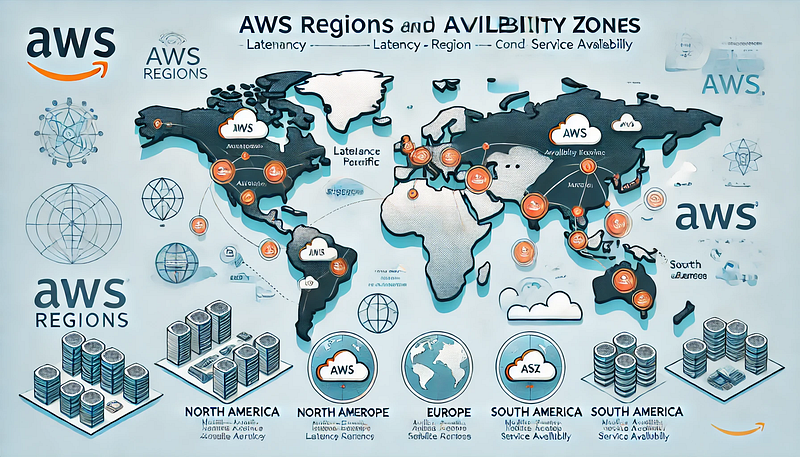
AWS Regions are geographically distributed data center locations where AWS services are hosted. Each Region operates independently to ensure fault tolerance and provides multiple Availability Zones for high availability.
Key Characteristics of AWS Regions:
- Geographical Distribution: AWS offers Regions across North America, Europe, Asia-Pacific, South America, the Middle East, and Africa.
- Data Sovereignty & Compliance: Some organizations must comply with regional data residency laws (e.g., GDPR in the EU).
- Service Availability: Not all AWS services are available in every Region.
- Latency Considerations: Choosing a Region close to your users improves performance.
- Cost Differences: AWS pricing varies by Region based on factors like operational costs and local taxes.
What Are AWS Availability Zones?
Availability Zones (AZs) are isolated data centers within an AWS Region. They are interconnected via low-latency networks and provide fault tolerance for high-availability applications.
Key Features of Availability Zones:
- Multiple Data Centers: Each AZ consists of one or more data centers with independent power, cooling, and networking.
- Redundancy & Fault Tolerance: Deploying workloads across multiple AZs ensures resilience against failures.
- High-Speed Networking: AWS provides low-latency connections between AZs for efficient communication.
- Scalability & Load Balancing: Applications can be distributed across AZs for better load handling.
Choosing the Right AWS Region for Your Workloads
Selecting the optimal AWS Region involves evaluating several factors:
1. Latency & Performance
- Choose a Region closest to your end users to minimize network latency.
- Use AWS Global Accelerator and CloudFront to improve performance.
2. Compliance & Data Residency
- If your industry has data sovereignty requirements (e.g., healthcare, finance), select a Region that complies with regulatory standards.
- Check AWS’s compliance programs, such as GDPR, HIPAA, and FedRAMP.
3. Service Availability
- Ensure that the AWS services you need are available in your preferred Region.
- Use the AWS Regional Services List to verify service availability.
4. Cost Optimization
- AWS pricing varies by Region due to operational costs.
- Compare pricing using the AWS Pricing Calculator to find cost-effective options.
5. Disaster Recovery & Business Continuity
- Choose multiple Regions for backup and disaster recovery strategies.
- Implement AWS services like Route 53, AWS Backup, and AWS Global Infrastructure for multi-Region redundancy.
Best Practices for AWS Region and AZ Selection
- Use Multiple AZs for High Availability: Deploy applications across at least two AZs to ensure fault tolerance.
- Leverage AWS Local Zones and Edge Locations: These improve performance for applications requiring low latency.
- Monitor and Test Performance Regularly: Use AWS tools like CloudWatch and AWS X-Ray to optimize workloads.
- Consider Future Growth: Select a Region that aligns with your organization’s long-term expansion plans.
Conclusion
Selecting the right AWS Region and Availability Zone is a strategic decision that impacts performance, cost, compliance, and resilience. By understanding AWS’s global infrastructure and applying best practices, you can optimize your cloud workloads for efficiency and reliability.


Comments
Post a Comment