Advanced Error Handling Techniques in Azure Data Factory
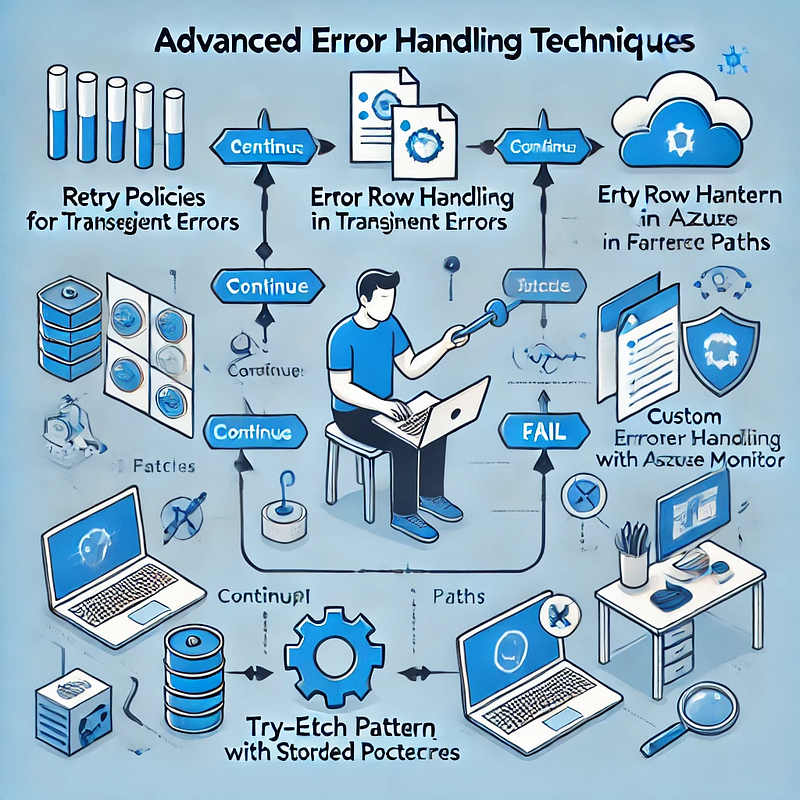
Azure Data Factory (ADF) is a powerful data integration tool, but handling errors efficiently is crucial for building robust data pipelines. This blog explores advanced error-handling techniques in ADF to ensure resilience, maintainability, and better troubleshooting.
1. Understanding Error Types in ADF
Before diving into advanced techniques, it’s essential to understand common error types in ADF:
- Transient Errors — Temporary issues such as network timeouts or throttling.
- Data Errors — Issues with source data integrity, format mismatches, or missing values.
- Configuration Errors — Incorrect linked service credentials, dataset configurations, or pipeline settings.
- System Failures — Service outages or failures in underlying compute resources.
2. Implementing Retry Policies for Transient Failures
ADF provides built-in retry mechanisms to handle transient errors. When configuring activities:
- Enable Retries — Set the retry count and interval in activity settings.
- Use Exponential Backoff — Adjust retry intervals dynamically to reduce repeated failures.
- Leverage Polybase for SQL — If integrating with Azure Synapse, ensure the retry logic aligns with PolyBase behavior.
Example JSON snippet for retry settings in ADF:
jsonCopyEdit"policy": {
"concurrency": 1,
"retry": {
"count": 3,
"intervalInSeconds": 30
}
}3. Using Error Handling Paths in Data Flows
Data Flows in ADF allow “Error Row Handling” settings per transformation. Options include:
- Continue on Error — Skips problematic records and processes valid ones.
- Redirect to Error Output — Routes bad data to a separate table or storage for investigation.
- Fail on Error — Stops the execution on encountering issues.
Example: Redirecting bad records in a Derived Column transformation.
- In Data Flow, select the Derived Column transformation.
- Choose “Error Handling” → Redirect errors to an alternate sink.
- Store bad records in a storage account for debugging.
4. Implementing Try-Catch Patterns in Pipelines
ADF doesn’t have a traditional try-catch block, but we can emulate it using:
- Failure Paths — Use activity dependencies to handle failures.
- Set Variables & Logging — Capture error messages dynamically.
- Alerting Mechanisms — Integrate with Azure Monitor or Logic Apps for notifications.
Example: Using Failure Paths
- Add a Web Activity after a Copy Activity.
- Configure Web Activity to log errors in an Azure Function or Logic App.
- Set the dependency condition to “Failure” for error handling.
5. Using Stored Procedures for Custom Error Handling
For SQL-based workflows, handling errors within stored procedures enhances control.
Example:
sqlBEGIN TRY
INSERT INTO target_table (col1, col2)
SELECT col1, col2 FROM source_table;
END TRY
BEGIN CATCH
INSERT INTO error_log (error_message, error_time)
VALUES (ERROR_MESSAGE(), GETDATE());
END CATCH- Use RETURN codes to signal success/failure.
- Log errors to an audit table for investigation.
6. Logging and Monitoring Errors with Azure Monitor
To track failures effectively, integrate ADF with Azure Monitor and Log Analytics.
- Enable diagnostic logging in ADF.
- Capture execution logs, activity failures, and error codes.
- Set up alerts for critical failures.
Example: Query failed activities in Log Analytics
kustoADFActivityRun
| where Status == "Failed"
| project PipelineName, ActivityName, ErrorMessage, Start, End7. Handling API & External System Failures
When integrating with REST APIs, handle external failures by:
- Checking HTTP Status Codes — Use Web Activity to validate responses.
- Implementing Circuit Breakers — Stop repeated API calls on consecutive failures.
- Using Durable Functions — Store state for retrying failed requests asynchronously.
Example: Configure Web Activity to log failures
json"dependsOn": [
{
"activity": "API_Call",
"dependencyConditions": ["Failed"]
}
]8. Leveraging Custom Logging with Azure Functions
For advanced logging and alerting:
- Use an Azure Function to log errors to an external system (SQL DB, Blob Storage, Application Insights).
- Pass activity parameters (pipeline name, error message) to the function.
- Trigger alerts based on severity.
Conclusion
Advanced error handling in ADF involves:
✅ Retries and Exponential Backoff for transient issues.
✅ Error Redirects in Data Flows to capture bad records.
✅ Try-Catch Patterns using failure paths.
✅ Stored Procedures for custom SQL error handling.
✅ Integration with Azure Monitor for centralized logging.
✅ API and External Failure Handling for robust external connections.
By implementing these techniques, you can enhance the reliability and maintainability of your ADF pipelines. 🚀
WEBSITE: https://www.ficusoft.in/azure-data-factory-training-in-chennai/


Comments
Post a Comment