Implementing Data Lineage Tracking in Azure Data Factory
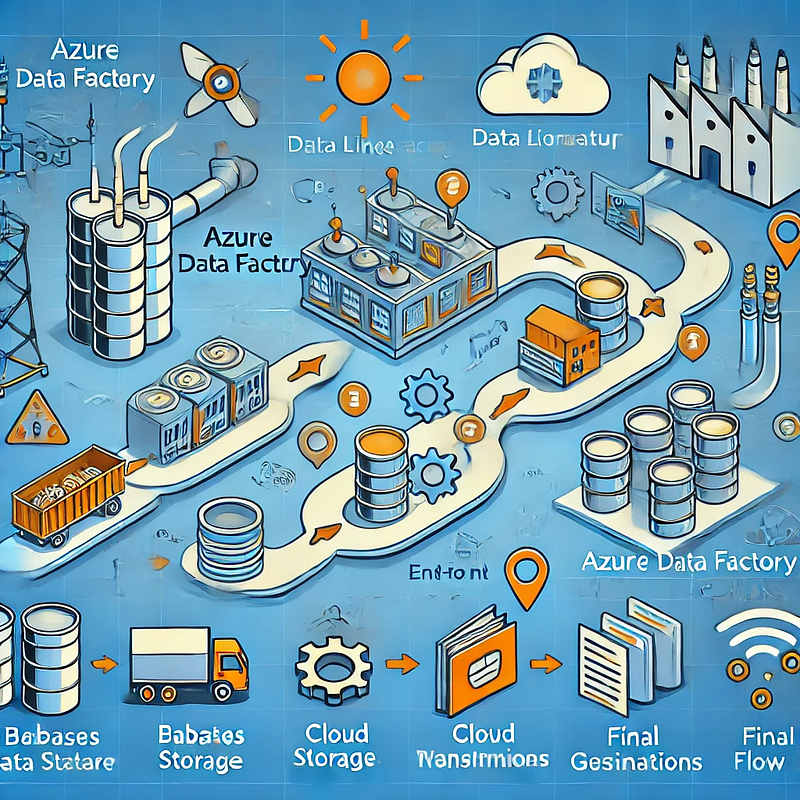
1. Introduction
In modern data pipelines, data lineage tracking is crucial for understanding where data originates, how it transforms, and where it flows. Azure Data Factory (ADF) provides multiple ways to track data lineage, ensuring data governance, compliance, and troubleshooting.
Why is Data Lineage Important?
✅ Regulatory Compliance — Ensure compliance with GDPR, HIPAA, and other regulations.
✅ Data Quality & Governance — Track errors, transformations, and data movement.
✅ Impact Analysis — Understand dependencies and assess changes before implementation.
✅ Operational Debugging — Identify issues in the data pipeline efficiently.
2. Understanding Data Lineage in Azure Data Factory
Data lineage refers to the tracking of data movement from source to destination. In ADF, data lineage can be categorized into:
- Column-level lineage — Tracks how individual columns are transformed.
- Table-level lineage — Monitors entire datasets or tables.
- Pipeline-level lineage — Shows data movement across pipelines.
3. Methods to Implement Data Lineage Tracking in ADF
3.1 Using Azure Purview for Automated Lineage Tracking
Azure Purview is a data governance tool that can track end-to-end lineage in ADF.
- Connect Azure Purview to Azure Data Factory.
- Enable data scanning for ADF pipelines.
- View the lineage graph in the Purview interface.
💡 Best For: Enterprise-grade governance and automated lineage tracking.
3.2 Logging Pipeline Metadata for Custom Lineage Tracking
You can create a custom lineage tracking system by storing pipeline metadata in Azure SQL Database or Azure Data Lake.
- Enable pipeline logging using Azure Monitor or Log Analytics.
- Capture metadata such as:
- Source and destination datasets
- Transformation activities
- Execution timestamps
- Store the logs in a central repository for visualization.
💡 Best For: Organizations needing custom, flexible lineage tracking.
3.3 Using Power BI for Visual Lineage Representation
Power BI can be used to visualize lineage by querying metadata stored in Azure SQL or Data Lake.
- Extract ADF pipeline metadata.
- Build a data flow diagram in Power BI.
- Enable scheduled refresh to keep lineage data up to date.
💡 Best For: Organizations that want self-service lineage tracking without additional tools.
3.4 Using ADF REST API for Lineage Data Extraction
ADF’s REST API allows you to extract pipeline execution details programmatically.
- Use Web Activity in ADF to call the Pipeline Runs API.
- Capture pipeline metadata:
pipelineNameactivityNameexecutionStartTimesourceDataset&destinationDataset
- Store this data in Azure Log Analytics or a custom dashboard.
💡 Best For: Developers needing API-based automation for lineage tracking.
4. Best Practices for Data Lineage in ADF
✅ Automate Data Lineage Tracking — Use Azure Purview for seamless monitoring.
✅ Store Lineage Data Efficiently — Use Azure SQL, ADLS, or Power BI for visualization.
✅ Monitor Pipeline Execution — Leverage ADF logs and monitoring dashboards.
✅ Ensure Data Security — Use RBAC (Role-Based Access Control) to restrict lineage data access.
5. Conclusion
Implementing data lineage tracking in Azure Data Factory is essential for data governance, compliance, and troubleshooting. Whether you use Azure Purview, custom logs, Power BI, or REST APIs, tracking lineage ensures data integrity and transparency across the organization.
WEBSITE: https://www.ficusoft.in/azure-data-factory-training-in-chennai/


Comments
Post a Comment