Introduction to Azure Data Factory's REST API: Automating Data Pipelines
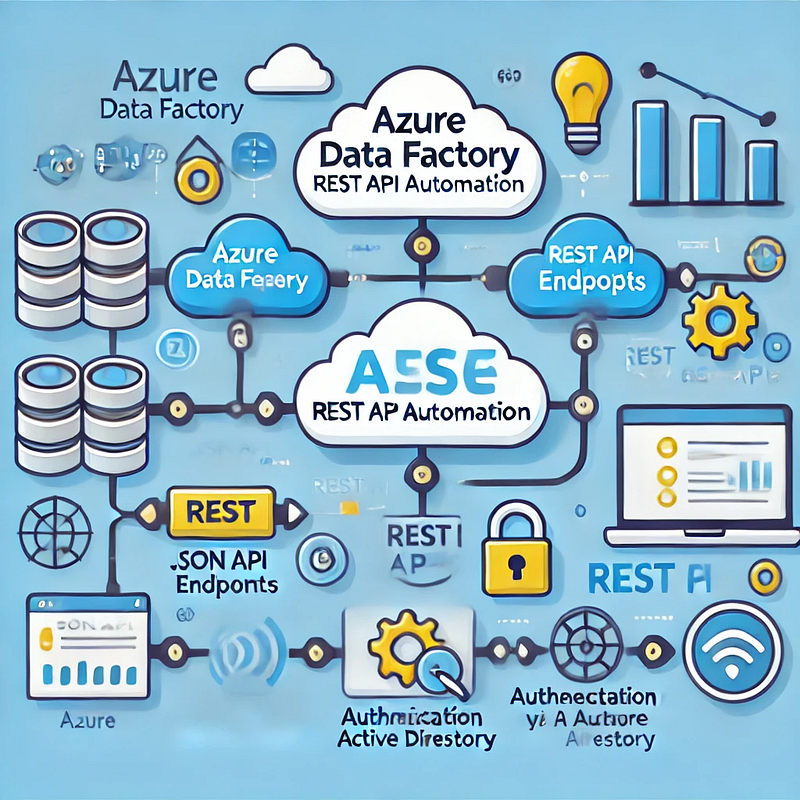
1. Overview of Azure Data Factory REST API
Azure Data Factory (ADF) provides a RESTful API that allows users to automate and manage data pipelines programmatically. The API supports various operations such as:
- Creating, updating, and deleting pipelines
- Triggering pipeline runs
- Monitoring pipeline execution
- Managing linked services and datasets
By leveraging the REST API, organizations can integrate ADF with CI/CD pipelines, automate workflows, and enhance overall data operations.
2. Authenticating with Azure Data Factory REST API
Before making API calls, authentication is required using Azure Active Directory (Azure AD). The process involves obtaining an OAuth 2.0 token.
Steps to Get an Authentication Token
- Register an Azure AD App in the Azure Portal.
- Assign permissions to allow the app to interact with ADF.
- Use a service principal to authenticate and generate an access token.
Here’s a Python script to obtain the OAuth 2.0 token:
pythonimport requestsTENANT_ID = "your-tenant-id"
CLIENT_ID = "your-client-id"
CLIENT_SECRET = "your-client-secret"
RESOURCE = "https://management.azure.com/"
AUTH_URL = f"https://login.microsoftonline.com/{TENANT_ID}/oauth2/token"data = {
"grant_type": "client_credentials",
"client_id": CLIENT_ID,
"client_secret": CLIENT_SECRET,
"resource": RESOURCE,
}response = requests.post(AUTH_URL, data=data)
token = response.json().get("access_token")
print("Access Token:", token)3. Triggering an Azure Data Factory Pipeline using REST API
Once authenticated, you can trigger a pipeline execution using the API.
API Endpoint
bashPOST https://management.azure.com/subscriptions/{subscriptionId}/resourceGroups/{resourceGroupName}/providers/Microsoft.DataFactory/factories/{factoryName}/pipelines/{pipelineName}/createRun?api-version=2018-06-01Python Example: Triggering a Pipeline
pythonimport requestsSUBSCRIPTION_ID = "your-subscription-id"
RESOURCE_GROUP = "your-resource-group"
FACTORY_NAME = "your-adf-factory"
PIPELINE_NAME = "your-pipeline-name"
API_VERSION = "2018-06-01"
URL = f"https://management.azure.com/subscriptions/{SUBSCRIPTION_ID}/resourceGroups/{RESOURCE_GROUP}/providers/Microsoft.DataFactory/factories/{FACTORY_NAME}/pipelines/{PIPELINE_NAME}/createRun?api-version={API_VERSION}"headers = {
"Authorization": f"Bearer {token}",
"Content-Type": "application/json"
}response = requests.post(URL, headers=headers)
print("Pipeline Trigger Response:", response.json())
4. Monitoring Pipeline Runs using REST API
After triggering a pipeline, you might want to check its status. The following API call retrieves the status of a pipeline run:
API Endpoint
bashCopyEditGET https://management.azure.com/subscriptions/{subscriptionId}/resourceGroups/{resourceGroupName}/providers/Microsoft.DataFactory/factories/{factoryName}/pipelineruns/{runId}?api-version=2018-06-01Python Example: Checking Pipeline Run Status
pythonCopyEditRUN_ID = "your-pipeline-run-id"URL = f"https://management.azure.com/subscriptions/{SUBSCRIPTION_ID}/resourceGroups/{RESOURCE_GROUP}/providers/Microsoft.DataFactory/factories/{FACTORY_NAME}/pipelineruns/{RUN_ID}?api-version={API_VERSION}"response = requests.get(URL, headers=headers)
print("Pipeline Run Status:", response.json())
5. Automating Pipeline Execution with a Scheduler
To automate pipeline execution at regular intervals, you can use:
- Azure Logic Apps
- Azure Functions
- A simple Python script with a scheduler (e.g., cron jobs or Windows Task Scheduler)
Here’s an example using Python’s schedule module`:
pythonimport schedule
import timedef run_pipeline():
response = requests.post(URL, headers=headers)
print("Pipeline Triggered:", response.json())
schedule.every().day.at("08:00").do(run_pipeline)while True:
schedule.run_pending()
time.sleep(60)
6. Conclusion
The Azure Data Factory REST API provides a powerful way to automate data workflows. By leveraging the API, you can programmatically trigger pipelines, monitor executions, and integrate ADF with other cloud services. Whether you’re managing data ingestion, transformation, or orchestration, using the REST API ensures efficient and scalable automation.
WEBSITE: https://www.ficusoft.in/azure-data-factory-training-in-chennai/


Comments
Post a Comment