Azure Data Factory Pricing Explained: Estimating Costs for Your Pipelines
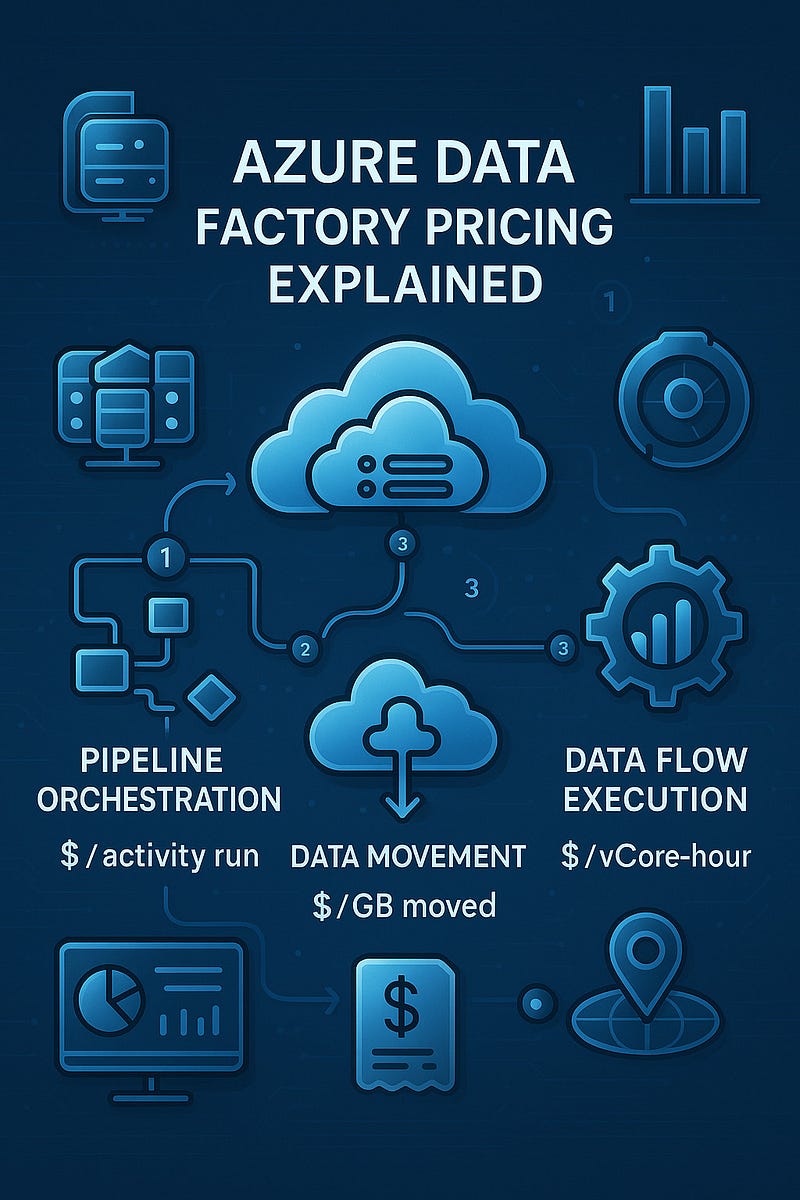
Azure Data Factory Pricing Explained: Estimating Costs for Your Pipelines
When you’re building data pipelines in the cloud, understanding the cost structure is just as important as the architecture itself. Azure Data Factory (ADF), Microsoft’s cloud-based data integration service, offers scalable solutions to ingest, transform, and orchestrate data — but how much will it cost you?
In this post, we’ll break down Azure Data Factory pricing so you can accurately estimate costs for your workloads and avoid surprises on your Azure bill.
1. Core Pricing Components
Azure Data Factory pricing is mainly based on three key components:
a) Pipeline Orchestration and Execution
- Triggering and running pipelines incurs charges based on the number of activities executed.
- Pricing model: You’re billed per activity run. The cost depends on the type of activity (e.g., data movement, data flow, or external activity).
Activity TypeCost (approx.)Pipeline orchestration$1 per 1,000 activity runsExternal activities$0.00025 per activity runData Flow executionBased on compute usage (vCore-hours)
💡 Tip: Optimize by combining steps in one activity when possible to minimize orchestration charges.
b) Data Movement
- When you copy data using the Copy Activity, you’re charged based on data volume moved and data integration units (DIUs) used.
RegionPricingData movement$0.25 per DIU-hourData volumeCharged per GB transferred
📝 DIUs are automatically allocated based on file size, source/destination, and complexity, but you can manually scale for performance.
c) Data Flow Execution and Debugging
- For transformation logic via Mapping Data Flows, charges are based on Azure Integration Runtime compute usage.
Compute TierApproximate CostGeneral Purpose$0.193/vCore-hourMemory Optimized$0.258/vCore-hour
Debug sessions are also billed the same way.
⚙️ Tip: Always stop debug sessions when not in use to avoid surprise charges.
2. Azure Integration Runtime and Region Impact
ADF uses Integration Runtimes (IRs) to perform activities. Costs vary by:
- Type (Azure, Self-hosted, or SSIS)
- Region deployed
- Compute tier (for Data Flow
3. Example Cost Estimation
Let’s say you run a daily pipeline with:
- 3 orchestrated step
- 1 copy activity moving 5 GB of data
- 1 mapping data flow with 4 vCores for 10 minutes
Estimated monthly cost:
- Pipeline runs: (3 x 30) = 90 activity runs ≈ $0.09
- Copy activity: 5 GB/day = 150 GB/month = ~$0.50 (depending on region)
- DIU usage: Minimal for this size
- Data flow: (4 vCores x 0.167 hrs x $0.193) x 30 ≈ $3.87
✅ Total Monthly Estimate: ~$4.50
4. Tools for Cost Estimation
Use these tools to get a more precise estimate:
- Azure Pricing Calculator: Customize based on region, DIUs, vCores, etc.
- Cost Management in Azure Portal: Analyze actual usage and forecast future costs
- ADF Monitoring: Track activity and performance per pipeline.
5. Tips to Optimize ADF Costs
- Use data partitioning to reduce data movement time.
- Consolidate activities to limit pipeline runs.
- Scale Integration Runtime compute only as needed.
- Schedule pipelines during off-peak hours (if using other Azure services).
- Keep an eye on debug sessions and idle IRs.
Final Thoughts
Azure Data Factory offers powerful data integration capabilities, but smart cost management starts with understanding how pricing works. By estimating activity volumes, compute usage, and leveraging the right tools, you can build efficient and budget-conscious data pipelines.
WEBSITE: https://www.ficusoft.in/azure-data-factory-training-in-chennai/


Comments
Post a Comment