Voice Search Optimization: How to Prepare for the Future of SEO
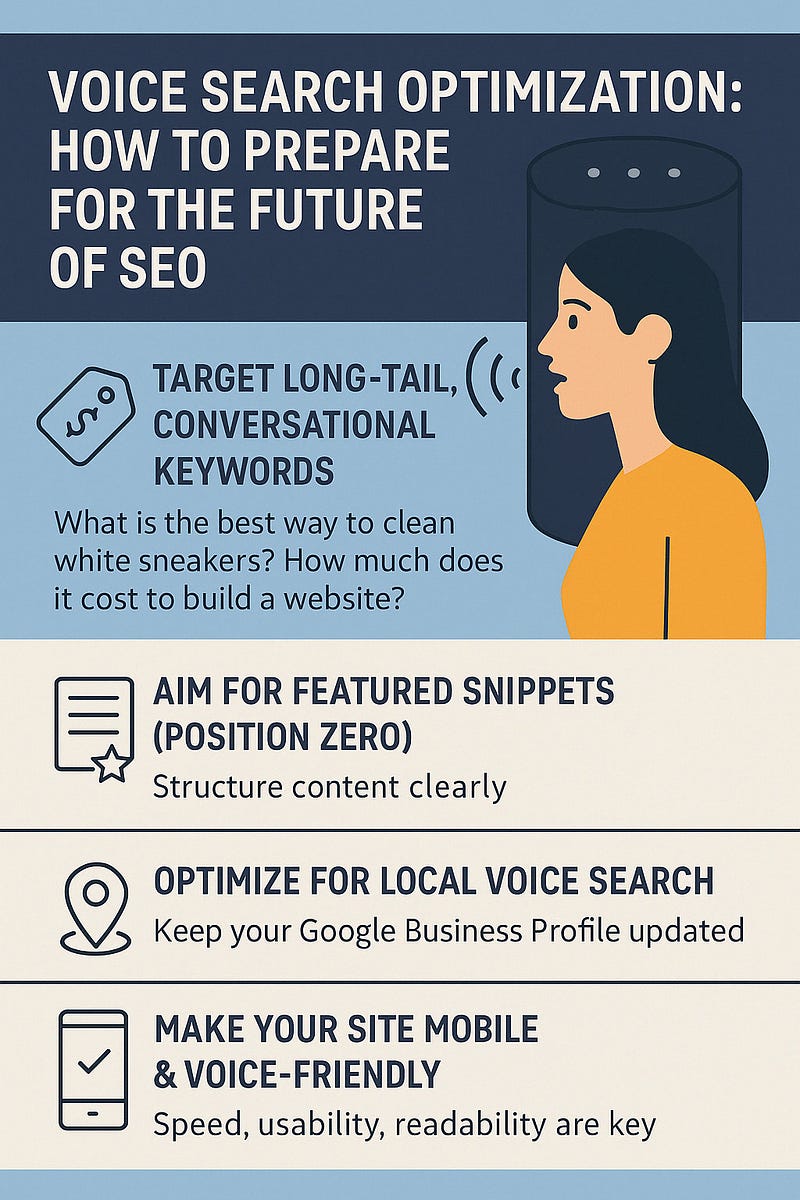
With the rise of smart assistants like Siri, Alexa, and Google Assistant, the way people search online is changing. Instead of typing short keywords, users now ask conversational questions — and your content needs to keep up.
Voice search is no longer a futuristic trend — it’s here, and optimizing for it can give your brand a competitive edge in SEO.
🔍 Why Voice Search Matters
- Over 50% of smartphone users use voice search daily
- Voice searches are longer and more conversationa
- Voice queries often trigger position zero (featured snippets)
- Optimizing for voice improves overall UX and mobile SEO
🎯 Key Differences Between Voice & Text Search
Text Search ExampleVoice Search Example“pizza recipe”“How do I make pizza at home?”“weather New York”“What’s the weather like in New York today?”“SEO tools”“What are the best SEO tools for beginners?”
Voice search is typically:
- Question-based
- More specific
- Locally focused
- Often used on mobile or smart devices
✅ How to Optimize for Voice Search
1. Target Long-Tail, Conversational Keywords
Use natural, question-like phrases:
- What is the best way to clean white sneakers?
- How much does it cost to build a website?
Tools to Help
- AnswerThePublic
- AlsoAsked.com
- People Also Ask in Google SERPs
Use these to build FAQ sections that directly answer voice-style queries.
2. Aim for Featured Snippets (Position Zero)
Voice assistants often read out the featured snippet result.
How to Win It:
- Structure content clearly
- Use headers (H2, H3) for each question
- Give concise, 30–40 word answers
- Use bullet points or numbered lists
3. Optimize for Local Voice Search
Over 46% of voice searches are looking for local information.
Local SEO Tips:
- Keep your Google Business Profile updated
- Use “near me” and city-based keywords
- Add schema markup for location and reviews
- Include your NAP (Name, Address, Phone) consistently across the web
4. Make Your Site Mobile & Voice-Friendly
Most voice searches happen on mobile. Make sure your site is:
- Responsive (mobile-first design)
- Fast-loading (under 3 seconds)
- Easy to navigate with simple language and layout
Use Google’s Mobile-Friendly Test and PageSpeed Insights to check performance.
5. Use Structured Data (Schema Markup)
Structured data helps search engines understand your content — and it’s essential for voice search.
Types of Schema That Help:
- FAQPage
- How T0
- Product
- LocalBusiness
Add schema to your pages using tools like Google’s Structured Data Markup Helper or plugins like Yoast SEO.
6. Focus on Clear, Natural Content
Write the way people speak, not how they type.
- Use a conversational tone
- Write in short, punchy sentences
- Keep reading level around Grade 8 or lower
- Avoid jargon
You’re optimizing for humans, not just search engines.
🧠 Bonus: Use Voice Search Data to Your Advantage
Google Search Console won’t label “voice” traffic directly, but you can:
- Look for question-based queries
- Track mobile vs desktop keyword trends
- Analyze your featured snippet wins
Stay ahead by identifying voice-friendly content that’s already performing — and optimize it further.
🚀 The Future of Search is Voice-First
As smart speakers and mobile assistants become part of daily life, voice search will only grow. The good news? Voice SEO isn’t separate from traditional SEO — it enhances it.
WEBSITE: https://www.ficusoft.in/digital-marketing-training-in-chennai/


Comments
Post a Comment